Meal Posting
How to Post a Meal
Quick Intro
What the posting flow looks like, from opening the camera to waiting for verification.
Last updated October 21, 2026
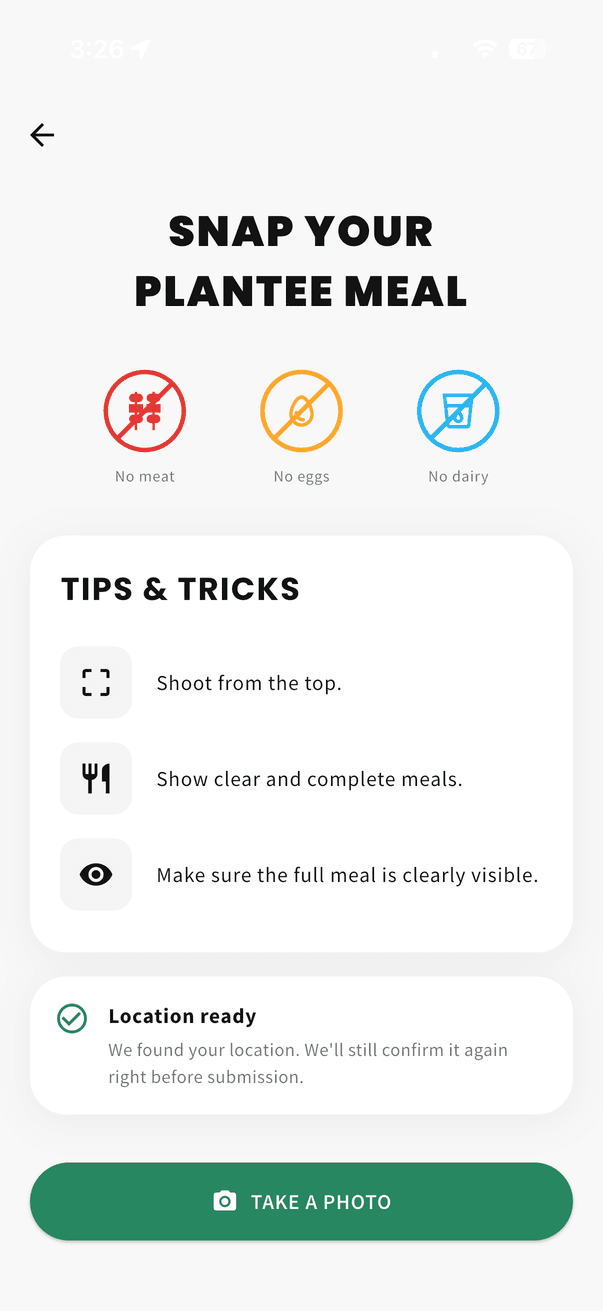
To post a meal, open the Post tab in the app and follow the guided camera flow. The process is designed to be quick: review the posting guidance, take your photo, confirm it, and then wait for verification.
Step 1: Review the posting guidance
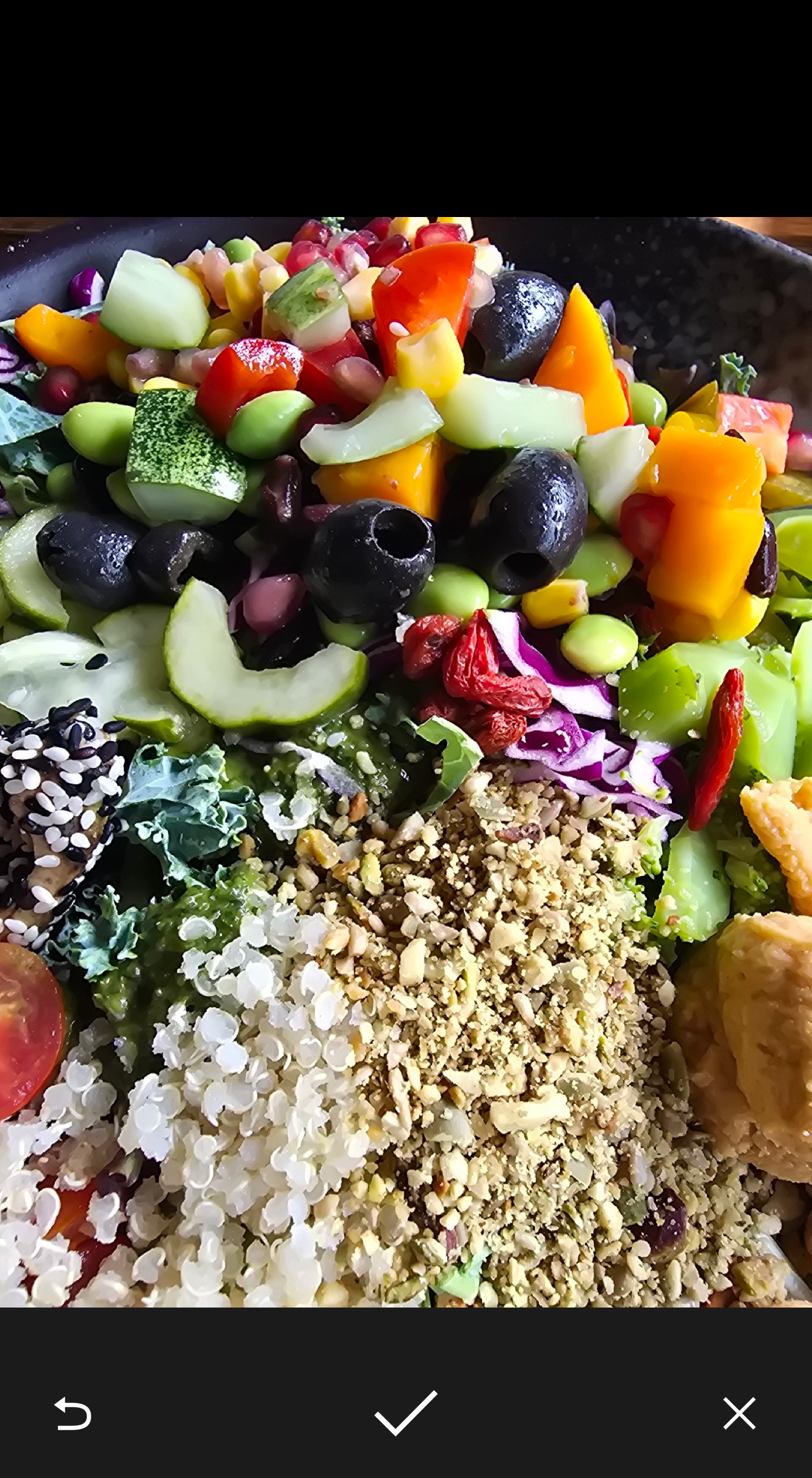
Step 2: Take the photo and confirm it
Step 3: Wait for verification
After you confirm the photo, the app shows "Successfully Uploaded!" with the status "Verifying". We will notify you once your meal is verified.
If the meal passes, your reward is added automatically. Timing can vary: a meal that needs a closer look takes longer.
Tips for smooth meal posting
- Take a clear photo with the meal centered in frame.
- Use good lighting so the main ingredients are easy to see.
- Show the full meal instead of a tightly cropped detail shot.
- Post a real meal, not a menu, packaging, or screenshot.